Linux: Install uv
Narration
Listen or continue with the transcriptNarration
Listen or continue with the transcriptTranscript
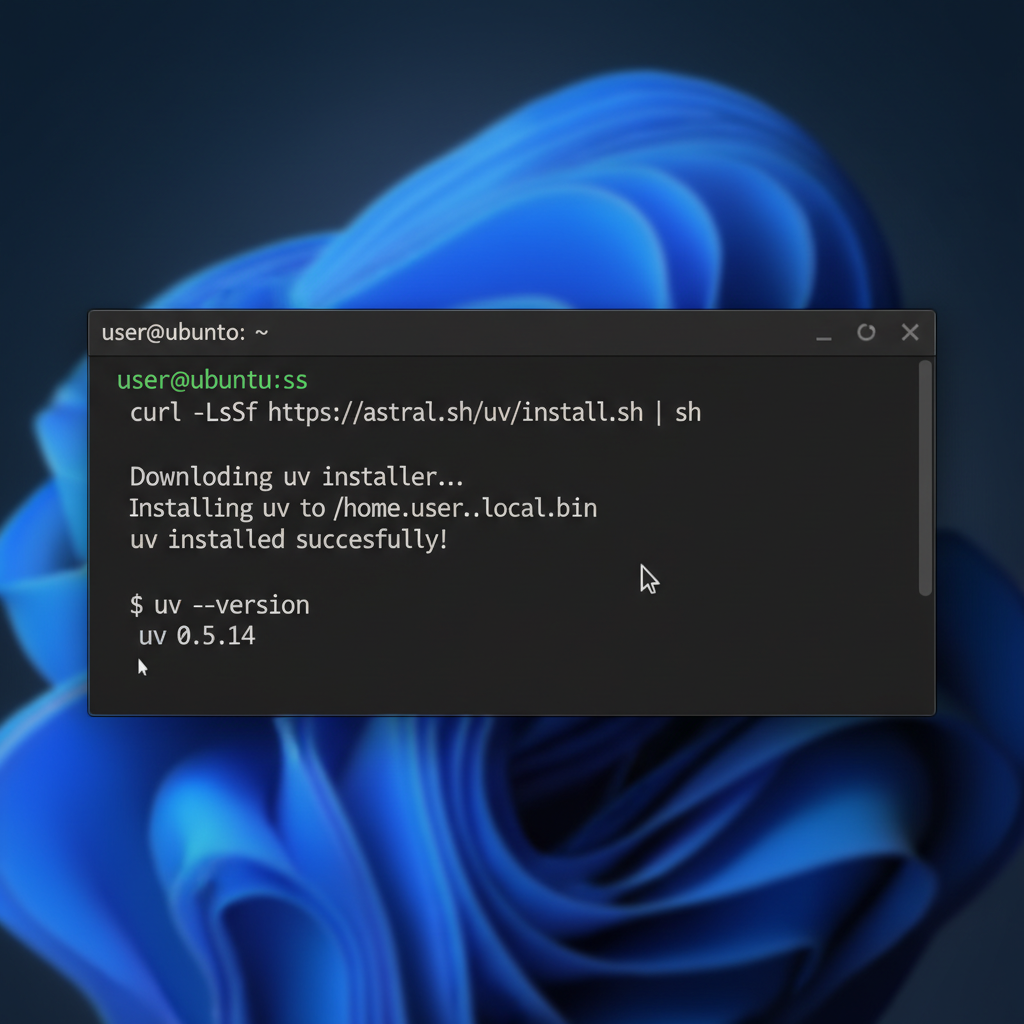
To install uv on Linux, you'll run the curl command shown on the slide. This command looks complicated, but don't worry - you don't need to understand it. It simply downloads and runs the official uv installer. You can copy and paste it directly from the slide.
After installation, you may need to add uv to your PATH by running source $HOME/.local/bin/env, or simply restart your terminal.
Verify the installation by running uv --version.
Commands
curl -LsSf https://astral.sh/uv/install.sh | sh
source $HOME/.local/bin/env
uv --version