macOS: Terminal Basics
Narration
Listen or continue with the transcriptNarration
Listen or continue with the transcriptTranscript
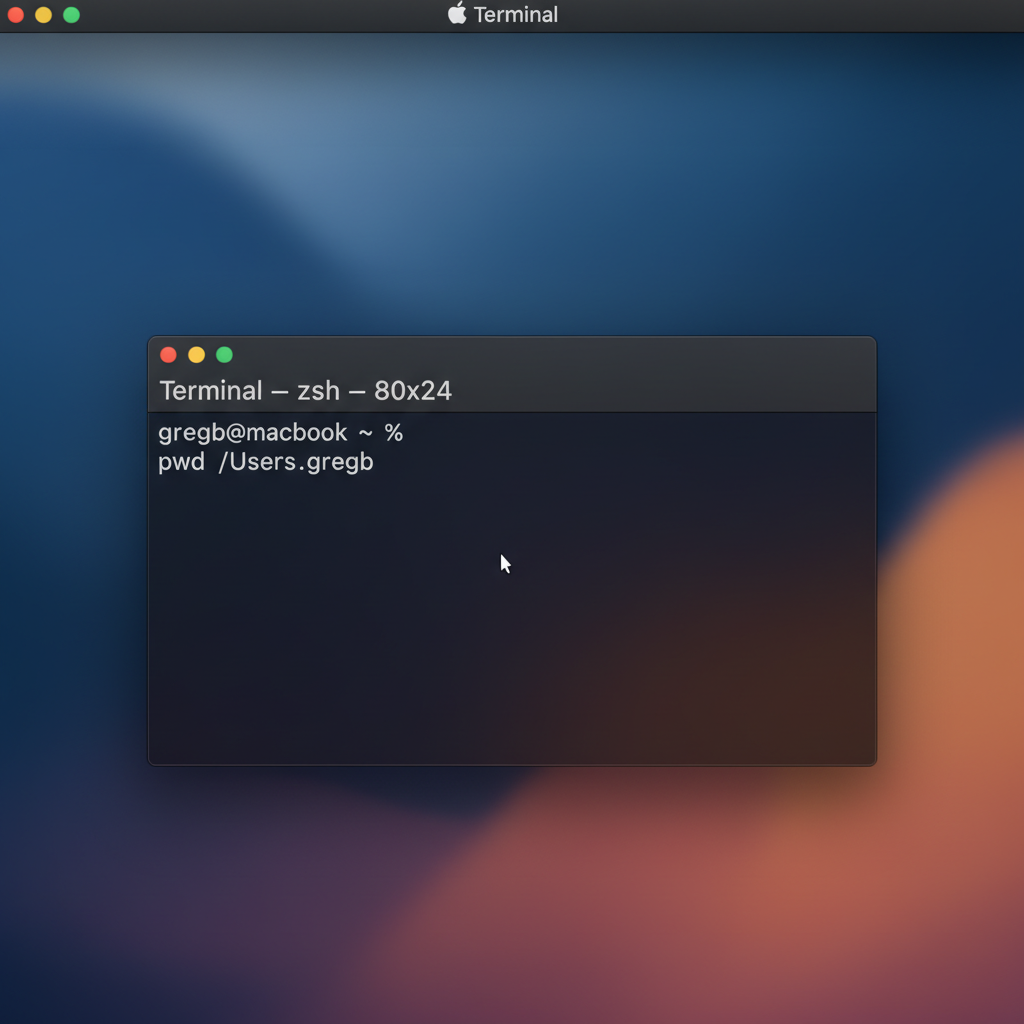
On macOS, the Terminal application is your command-line interface. To open it, press Command-Space to open Spotlight, then type Terminal and press Enter. Alternatively, you can find it in Applications, then Utilities, then Terminal. If you prefer a more feature-rich terminal, you can also use iTerm2. Once you have a terminal open, here are the basic commands you'll use: cd to change directory, ls to list files, and pwd to show your current directory.