Authenticate: Authorize in Browser
Narration
Listen or continue with the transcriptNarration
Listen or continue with the transcriptTranscript
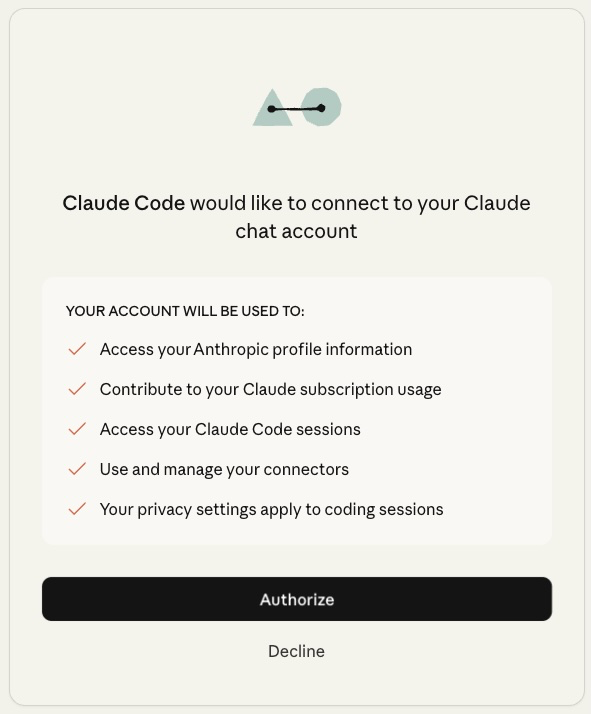
A browser window will open asking you to authorize Claude Code to connect to your Claude account.
Review the permissions shown on the page, then click Authorize.
Once you've authorized, you can close the browser and return to your terminal. You won't need to do this again on this computer.