Windows: Use PowerShell
Narration
Listen or continue with the transcriptNarration
Listen or continue with the transcriptTranscript
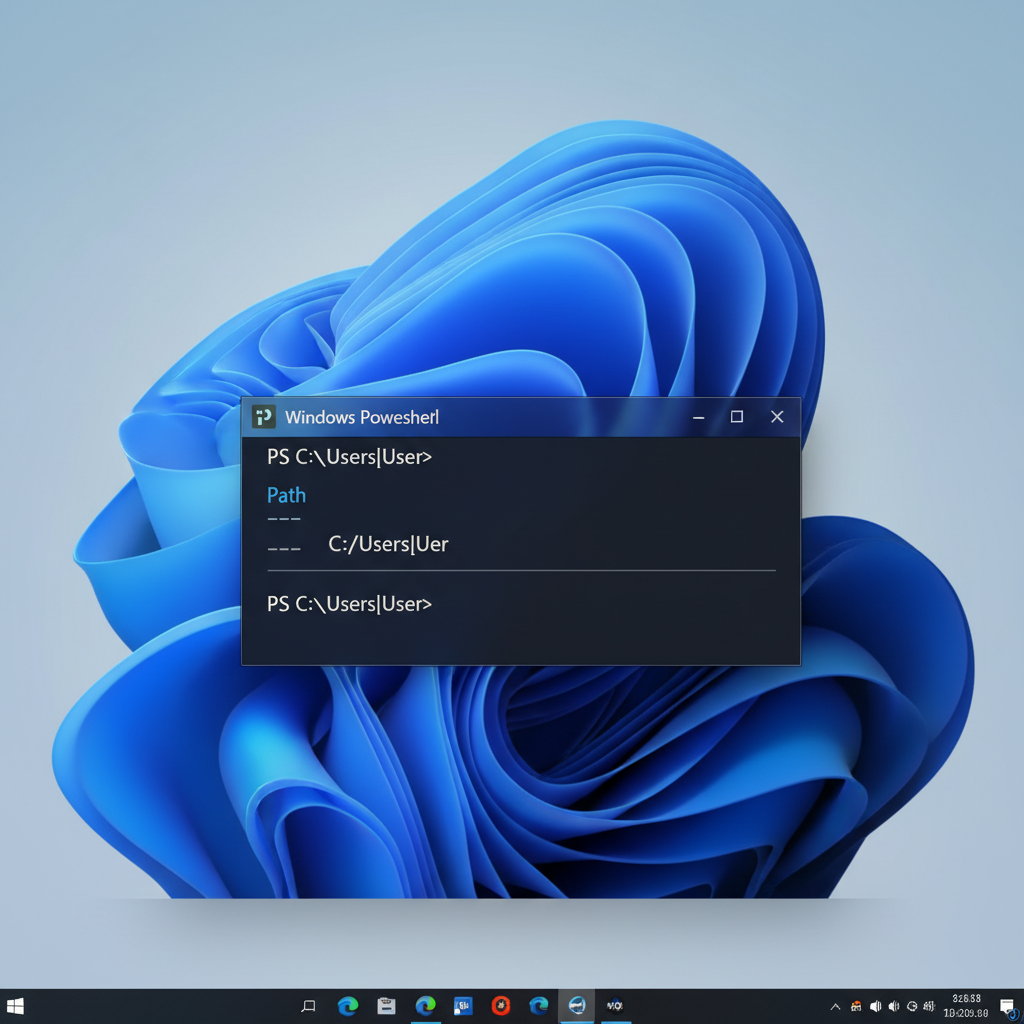
On Windows, we'll use PowerShell by default. PowerShell comes with Windows and is always available, so you don't need to install anything extra. It's a command-line environment where you can run commands to manage your computer, and it's also a full scripting language that can run complex programs.
To open it, press Start and type "PowerShell" (or use Win+X and select Windows PowerShell). We'll run all commands in this course inside PowerShell.
The basic commands you'll need are similar to other systems: cd to change directory, ls or dir to list files, and pwd to show your current directory.