Step 1: Create or Upgrade Your Claude Account
Narration
Listen or continue with the transcriptNarration
Listen or continue with the transcriptTranscript
Step one is getting your Claude Pro account. This is the most important prerequisite.
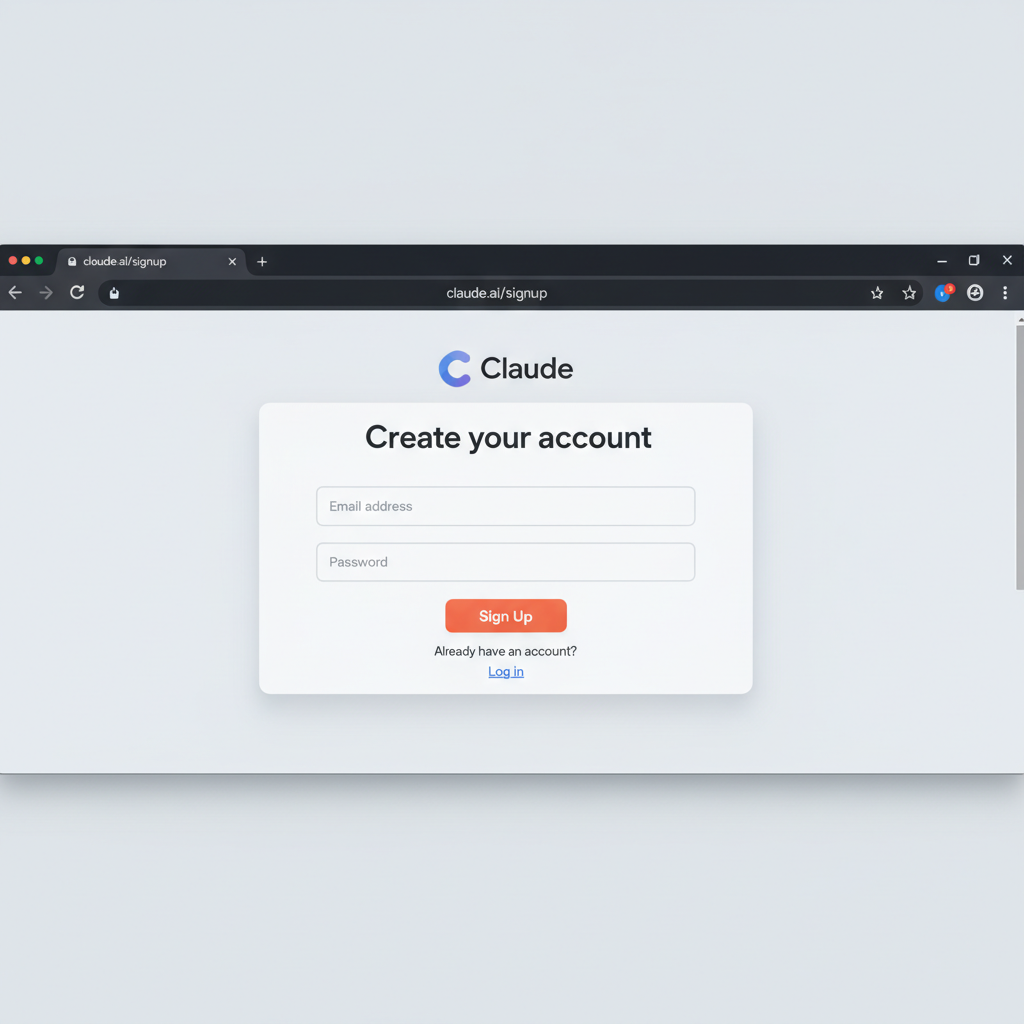
Go to claude.ai and click Sign Up. Enter your email address and verify it. Then subscribe to Claude Pro at 20 dollars per month.
Claude Pro is required for Claude Code. The free tier simply doesn't work with Claude Code - it's not supported. You must have a Pro subscription or higher.
Once you have your account, you can optionally download Claude Desktop from claude.ai/download. This gives you a native Linux app that's nice to have, but it's not required - you can always use Claude through the web interface at claude.ai.