Getting Help From Claude
Narration
Listen or continue with the transcriptNarration
Listen or continue with the transcriptTranscript
Here's a really important tip. If you get stuck at any point during the setup process, Claude can help you.
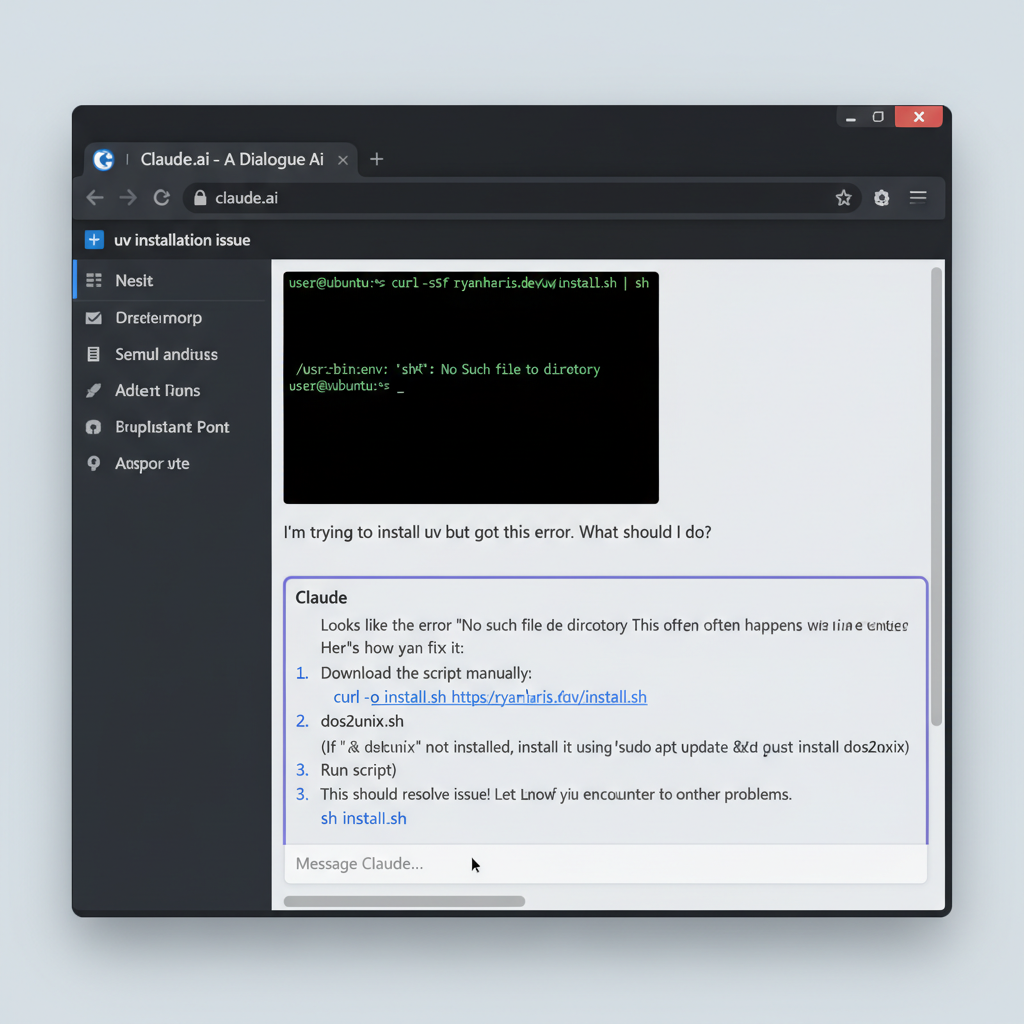
Take a screenshot by pressing Print Screen or Shift plus Print Screen, depending on your Linux distribution and desktop environment.
Then go to claude.ai, or open Claude Desktop if you've installed it, and paste that screenshot with Control plus V.
Ask Claude something like: "I'm trying to install uv but I got this error. What should I do?"
Claude can see your screenshot and will guide you through troubleshooting the problem. This is one of the great things about having a Claude Pro account - you can use it to help you get set up!
Don't struggle alone. If something isn't working, just ask Claude.